

InsaneNutter
Resident Nutter

A few months ago I was randomly browsing the net and found that a new version of Dolphin had been released, Dolphin is a GameCube emulator that has been in development for many years now. This new version has been re written as a 64bit application with gave it a massive improvement in performance. As of July 13th 2008 Dolphin is now open source.
I thought I would download it and give it a shot as I had been using Windows Vista 64bit for a couple of months but never had a 64bit application to test out.
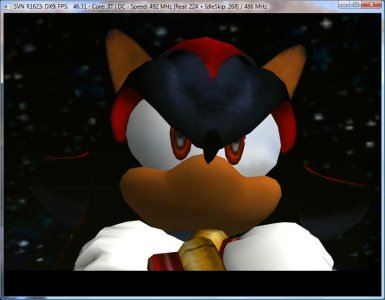
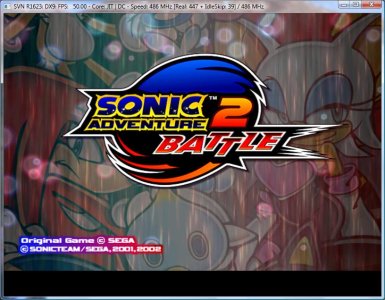
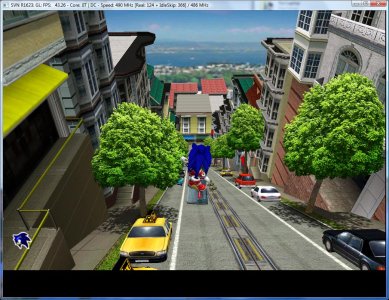
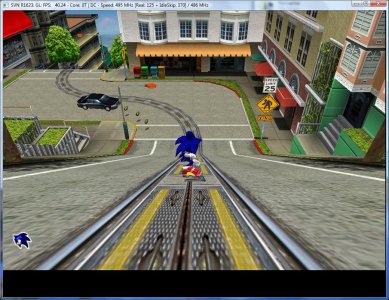
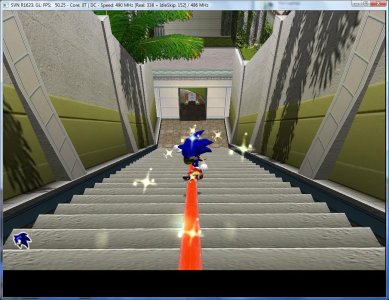
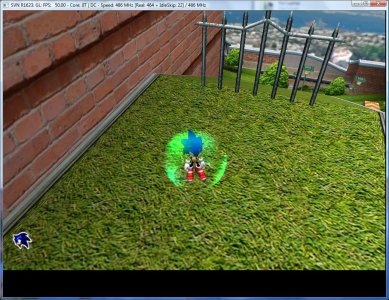
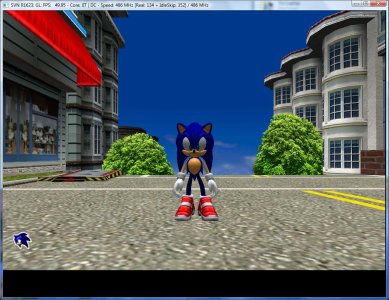
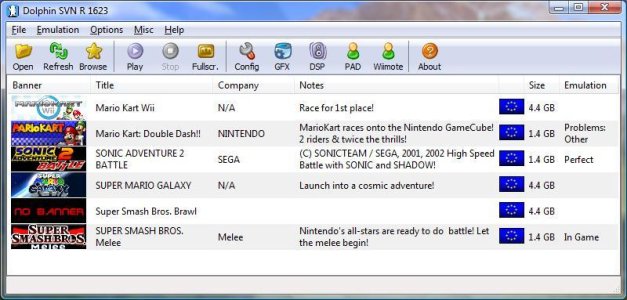
The first game I tried on Dolphin was one of my favourite GameCube games, Sonic Adventure 2 Battle. To my surprise the game emulated just about perfectly! The performance increase in the 64bit version of the emulator compared to the 32bit version was massive! I was able to play Sonic at 1680x1050 with no slowdowns.
I have created a couple of videos and screenshots of Dolphin running Sonic and Smash Brothers Melee below, you really do want to try out the emulator as the videos and screenshots don’t do it enough justice

Dolphin the Emulator
Video’s of Sonic Adventure Battle 2
City Escape Level (104MB)
Green Hill Zone (50MB)
Video’s of Smash Bros
Big Fight (50mb)
Pokemon Stadium Level (21MB)
Fzero Level (22MB)
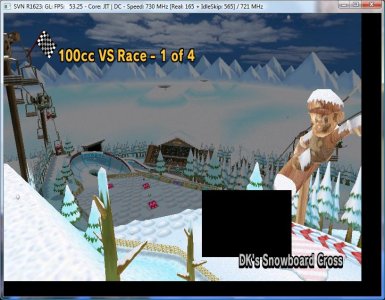
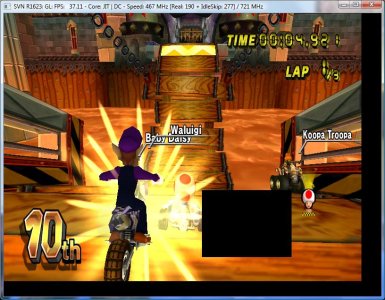
Videos of Mario Kart Double Dash
DK Mountain (10MB) - Doesn’t emulate that well
Screenshots (see the gallery at the bottom for many more)
Pal games are locked at 50fps max
Recent Advances
Since I used the emulator in the summer there have been many updates to it, a welcome addition is been able to use the Xbox 360 joypad, that makes games a lot easier to play (for me anyway) as the 360 joypad set out similar to the GameCube joypad.
Smash Brother Melee is now also very playable, there’s the odd bit of graphics corruption but that doesn’t really affect gameplay that much. Since I tested the emulator out this summer sound now also works perfect in a lot of Nintendo games, a few months ago games like Smashbros had no sound what so ever... its now also possible to limit the frames as Smash Bro’s was emulated too fast before.
Thats not all, the Dolphin coders have one more big surprise, Wii emulation!
Wii Emulation
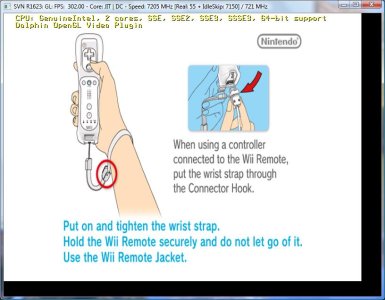
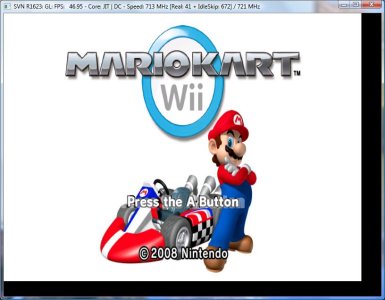
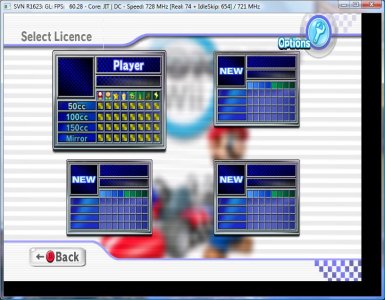
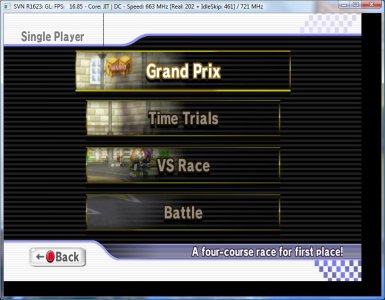
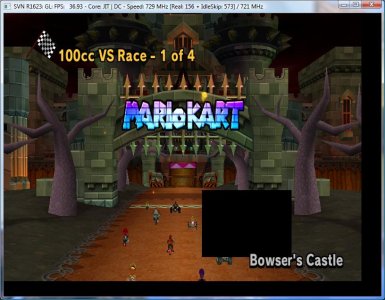
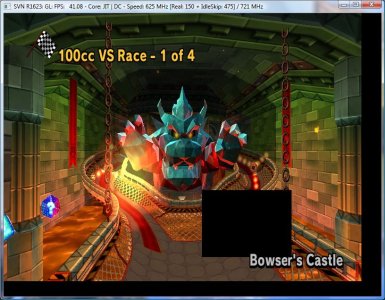
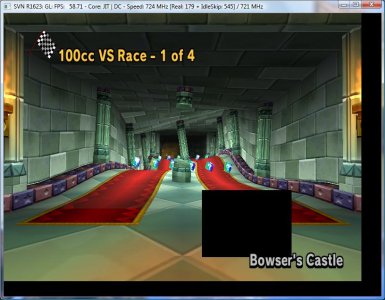
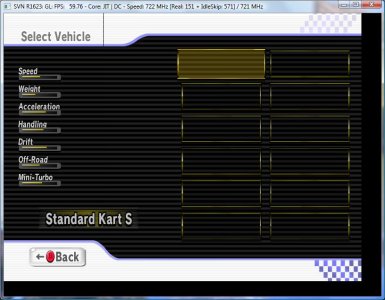
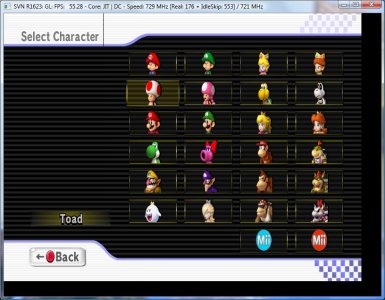
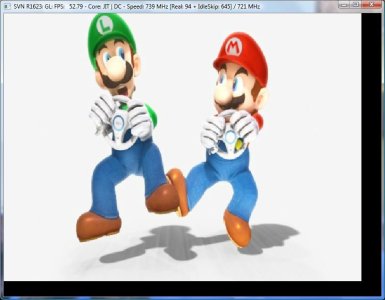
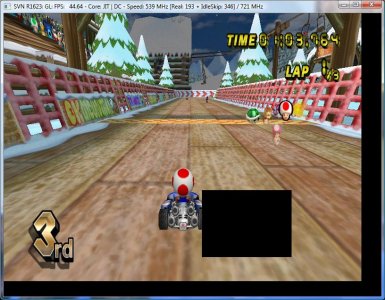
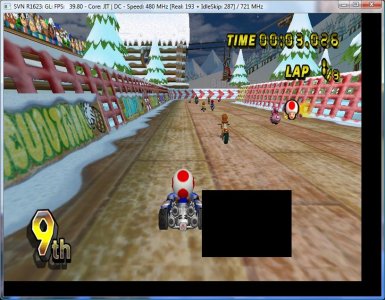
That’s right Dolphin is the first emulator that can emulate commercial Wii games, so far I’ve only got Mario Kart working but I hear with the right tweaks Smash Bros Brawl and Mario Galexy are very playable.
Mario Kart will run at 45-60fps as you will see from the screen shots and video below its more than playable. (The videos I made of Mario Kart on the Wii are about 20fps slower than the game actually plays, my pc couldn’t keep it with FRAPS dumping the raw video I guess)
Whats even more surprising is you can use your Wii mote and nunchuck with the emulator if you have it setup on your pc... the scale this emulator is evolving at is impressive.
Wii Screenshots (more at the bottom)
Mario Kart Wii Video’s
Loading Mario Kart Wii - not that intresting

Lap of a race (640x480) - good quality
Lap of a race (320x240) - didnt kill the frame rate of the emulator as much
Random 45 second clip
You have got me interested, what do I need to use Dolphin?
You need a fairly modern system with a dual core processor and a fairly good Direct X 9 graphics card with Pixel Shader 2.0 support.
The faster the dual core processor the better really, having a quad core processor will not give you any benefit over a dual core... in fact a faster dual core will outperform a slower quad core.
For a graphics card a decent Geforce 7/8/9 series or equivalent should be fine, the emulator is a lot more processor demanding rather than graphics demanding.
A 64bit OS is recommended but not required, from what I’ve read on the net you will get up to a 25fps improvement in some games just for running the 64bit version of the emulator... it all depends on the game as to how much of an improvement you will see. 64bit is defiantly the way to go to get the most out this emulator at the moment.
Specs im using:
Core2Duo E4500 overclocked to 2.93Ghz
Geforce 8800GT 256MB
4gb of ram
Windows Vista Ultimate SP1 x64
Downloads:
Dolphin 32bit
Dolphin 64bit (Recommended)
masterkey.bin – This is needed for Wii emulation (unzip and place in the Dolphin\Sys\Wii folder)
The information in the spoiler has the settings I used to get Mario Kart Wii working, you generally need different settings and a downloaded save game to get Wii games to run.
Thanks to John Peterson of the NgEmu forums
General Settings (PAL)
You can use the nJoy input plugin just like with GC games. It's just Simple Pad that doesn't work.
Controls (Emulated Wiimote with no Extension)
Graphical errors like the pictures show
Saved game
Download
NOTICE: Currently you have to place an old save game in the data dir to get in to the game. I attached a 100% completed savegame for the PAL version. You can unzip it into the game's data dir in User\Wii\title\00010000\524d4350\data (524d4350 means RMCP i.e. the PAL version). For NTSC versions you can use the NTSC file and place it in a dir called 524d4345 (which is the USA id RMCE).
- <LI itxtvisited="1">Dual Core, Idle Skip: Both seemed to work <LI itxtvisited="1">Use EuRGB60 Mode (PAL6): On worked, off may work to, I didn't try it <LI itxtvisited="1">Enable Progressive Scan: Off, on gave a black screen
- Optimize Quantizers: Off, otherwise there will be graphical errors
- <LI itxtvisited="1">EFB Hack: Yes, it actually seems to fix some graphics errors
- Projection before R945: Yes, seemed to fix some graphics errors
- <LI itxtvisited="1">Enable HLE Audio: On <LI itxtvisited="1">Enable DTK Music: On or off, it's not used
- Enable Other Music: On or off, the pre rendered movie (that appears if you don't press A on the intro screen) still has no sound. But off also turns of the speed throttling, so keep it on if you have a very fast computer.
You can use the nJoy input plugin just like with GC games. It's just Simple Pad that doesn't work.
Controls (Emulated Wiimote with no Extension)
- <LI itxtvisited="1">3 and 4 (regular number keys): Turn left and right (it emulates turning the Wii Wheel left and right i.e. tilting the controller left and right so it may be a little inprecise) <LI itxtvisited="1">2 (regular number key): Accelerate <LI itxtvisited="1">1 (regular number key): Break / reverse <LI itxtvisited="1">B: Use power up <LI itxtvisited="1">A: Look back <LI itxtvisited="1">Left, Right, Up, Down: Navigate the menus, no use ingame
- M: No use
- <LI itxtvisited="1">Numpad 4 and 6: Turn left and right <LI itxtvisited="1">A: Accelerate <LI itxtvisited="1">B: Break / reverse (also jump in Manual mode) <LI itxtvisited="1">Z: Use power up <LI itxtvisited="1">C: Look back <LI itxtvisited="1">S: Perform a trick in the air (did not work when I tried it) <LI itxtvisited="1">~ (not implemeted): Perform a wheelie on a bike <LI itxtvisited="1">P (+): Pause menu <LI itxtvisited="1">Left, Right, Up, Down, 1, 2: Navigate the menus, no use ingame
- M (-): No use
- <LI itxtvisited="1">J, L (left analog stick left and right): Turn left and right <LI itxtvisited="1">Z (A): Accelerate <LI itxtvisited="1">C
 , 0
, 0  : Break / reverse (also jump in Manual mode) <LI itxtvisited="1">7
  : Use power up <LI itxtvisited="1">X, 9 (ZR): Look back <LI itxtvisited="1">Numpad 4, 5, 6, 8 (D-Pad): Perform a trick in the air <LI itxtvisited="1">Numpad 8, 5 (D-Pad up and down): Perform a wheelie on a bike <LI itxtvisited="1">O (+): Pause menu <LI itxtvisited="1">Y, ZL, N (-): No use
 - Left, Right, Up, Down, 1, 2 and the other Wiimote buttons: Turned off when the Classic Controller is connected
Graphical errors like the pictures show
Saved game
Download
NOTICE: Currently you have to place an old save game in the data dir to get in to the game. I attached a 100% completed savegame for the PAL version. You can unzip it into the game's data dir in User\Wii\title\00010000\524d4350\data (524d4350 means RMCP i.e. the PAL version). For NTSC versions you can use the NTSC file and place it in a dir called 524d4345 (which is the USA id RMCE).
I hope that covered the subject pretty well if you have any questions feel free to ask
Attachments
-
 dolphin-mk-1.jpg63.6 KB · Views: 22,430
 -
 dolphin-mk-2.jpg54.5 KB · Views: 12,196
 -
 dolphin-mk-3.jpg91.6 KB · Views: 1,548
 -
 dolphin-mk-4.jpg86.2 KB · Views: 1,706
 -
 dolphin-mk-9.jpg79.6 KB · Views: 1,646
 -
 dolphin-mk-8.jpg97.2 KB · Views: 18,518
 -
 dolphin-mk-7.jpg74.7 KB · Views: 1,464
 -
 dolphin-mk-6.jpg82.2 KB · Views: 1,814
 -
 dolphin-mk-5.jpg89.5 KB · Views: 1,474
 -
 dolphin-mk-14.jpg46.5 KB · Views: 1,650
 -
 dolphin-mk-13.jpg99.3 KB · Views: 1,616
 -
 dolphin-mk-12.jpg98.9 KB · Views: 1,872
 -
 dolphin-mk-11.jpg88 KB · Views: 1,621
 -
 dolphin-mk-10.jpg101.8 KB · Views: 1,616
 -
 dolphin-sonic-ab2-1.jpg41.2 KB · Views: 1,600
 -
 dolphin-sonic-ab2-2.jpg84.5 KB · Views: 10,387
 -
 dolphin-sonic-ab2-3.jpg181.2 KB · Views: 2,069
 -
 dolphin-sonic-ab2-4.jpg167.6 KB · Views: 1,386
 -
 dolphin-sonic-ab2-5.jpg136.9 KB · Views: 1,687
 -
 dolphin-sonic-ab2-7.jpg173.9 KB · Views: 1,530
 -
 dolphin-sonic-ab2-6.jpg145.1 KB · Views: 1,572
 -
Dolphin_1713(32bit).zip6.2 MB · Views: 12,302
-
Dolphin_1713(64bit).zip7.4 MB · Views: 2,847
-
masterkey.zip140 bytes · Views: 2,248
-
Mario Lart All Complete (PAL).zip65.9 KB · Views: 1,841
-
 Dolphin-menu.jpg66.9 KB · Views: 17,384


 ) but once the chip is installed you stick in a dvd which reads as a gamecube game, set up the firmware on the chip and BOOM, multi reagion, backup booting WII



