Gorge
Resident
Hello,
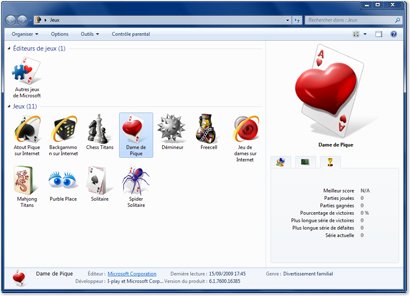
how to add a game missing in Windows Games Explorer ?
Create a PNG image (256x256 pixels). Game box, screenshot, ... what you want
Converting that image into an icon. Use ToYcon.
Copy the icon in the game directory
In the game directory, create a shortcut of game '.exe'.
[Optionally, customize the settings]
Choose the icon created previously.
Drag the shortcut on the Games Explorer
voila
Gorge
how to add a game missing in Windows Games Explorer ?
Create a PNG image (256x256 pixels). Game box, screenshot, ... what you want
Converting that image into an icon. Use ToYcon.
Copy the icon in the game directory
In the game directory, create a shortcut of game '.exe'.
[Optionally, customize the settings]
Choose the icon created previously.
Drag the shortcut on the Games Explorer
voila
Gorge