Windows 8 Screenshots and Discussion

Dark Scyth

Veteran
Joined
Mar 3, 2009
Messages
2,530
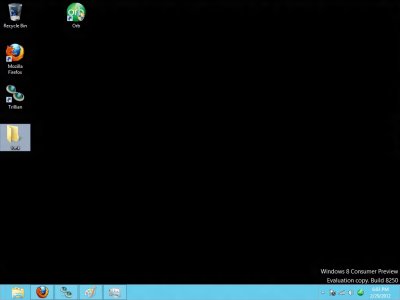
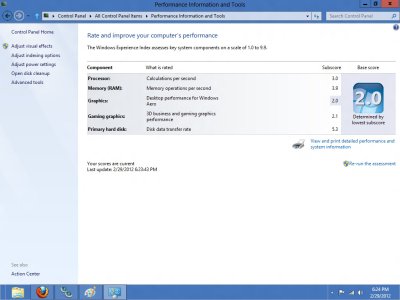
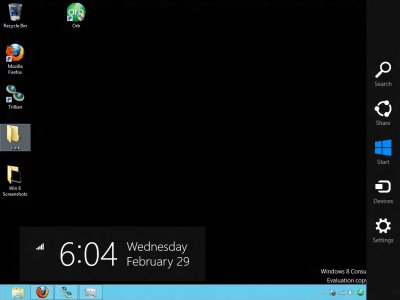
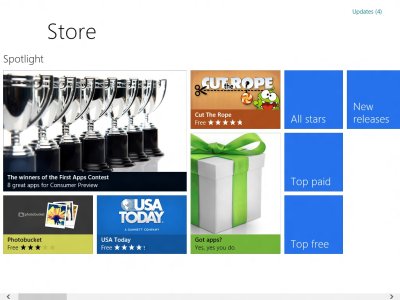
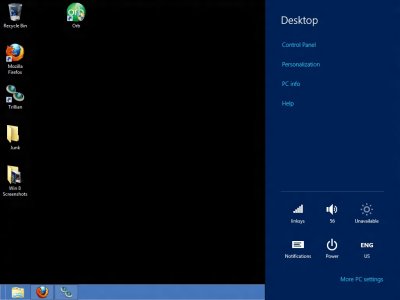
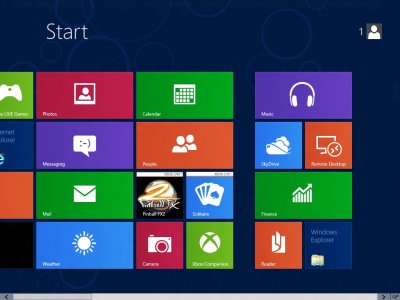
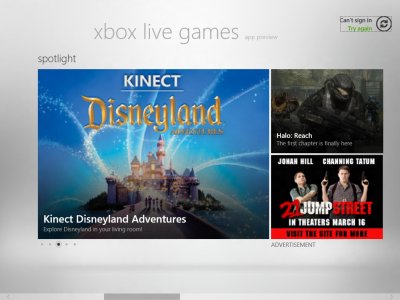
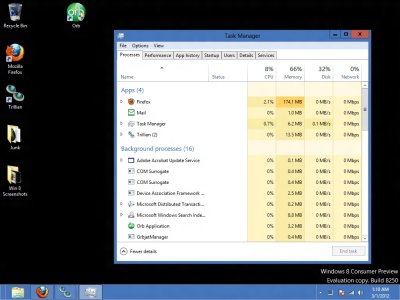
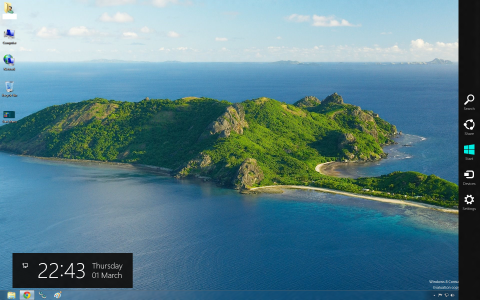
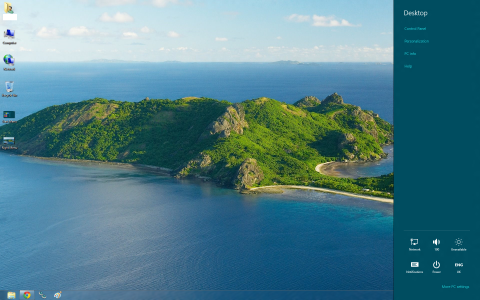
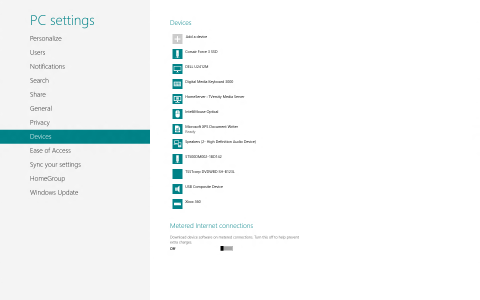
Some Screenshots i've taken, i'll post more later.

t9tqcxkbygy9tctmnbop.jpg

15yapwjjw0lgpui19yct.jpg

gieks674dcgqlkzcgo46.jpg

oxp6kmfn7sxtnr9n86mf.jpg

74la3auhtt18lwoflifa.jpg

vfxkouhd39v1fxf1qj5f.jpg

wq9qbfg5ubhyozrng2x8.jpg

0ebgvw3sl085x51ka96o.jpg

isg7f2rmybooip6g48fa.jpg

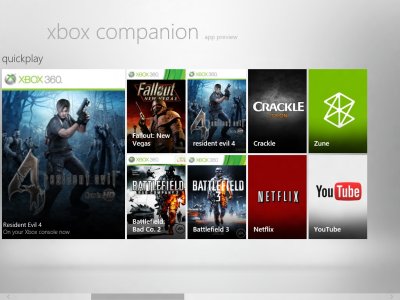
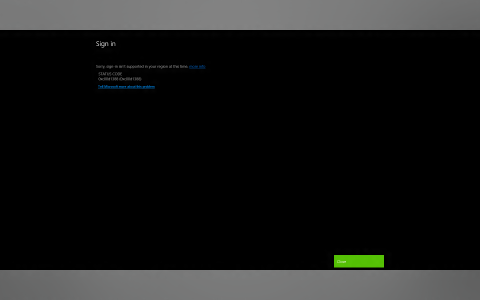
Xbox Companion. With Xbox Companion, it's possible to boot 360 games from your PC. Not sure what else is possible as I haven't messed with it that much.

p00uihlzpc37bndt6ihv.jpg

hul5q1zrv27s3gumxmgf.jpg
 
Last edited:
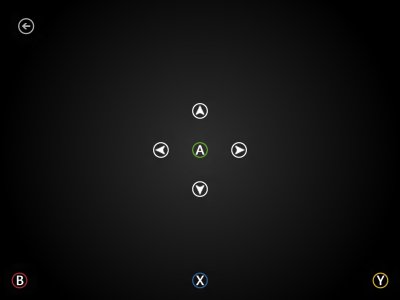
I've been messing around with xbox companion, if you right click near the bottom there is a xbox controls option and you can control everything on the dashboard.
 
So that's what that's for. I seen it but the option only came up when I was starting a game with it, so I thought it might be possible ingame. I'm turning Xbox Companion off though, it's too buggy, my console has frozen 3 times because of it.
 
I figured out the problem. It was being on MSN on the 360 while using Trillian (multi IM program) on the PC. Whenever the PC would turn the screen off the 360 was supposed to say "Signed into multiple locations" (it did this on Windows 7, with no problems) but now on Windows 8 whenever the PC screen shuts off from inactivity the 360 would freeze. So I just turned off messenger on the 360 and no more freezing.
 
Before i say anything else i feel i should say i have liked every other version of Windows to date, even Windows ME and Vista.

I used Windows ME for over two years, I never had anything against Vista, apart from some initial drive issues it was a solid OS and massive upgrade to XP. Windows 7 improved again massively on Vista and has been my main OS since the release candidate in early 2009.

Now we come to the Windows 8 consumer preview. Honestly, just wow.... how badly can you take something great and ruin it? I honestly can not think of anything positive to say about it from my use of it so far. Yes it has a few nice improvements like the boot up times, ISO mounting and the ability to "reset" your pc to its factory settings. Some good stuff i admit, however not really an improvement for every day use. Windows 8 is really not an OS for desktop PC's, tablets i guess it might be ok on however Android 4 does everything a lot better on a tablet if you ask me.

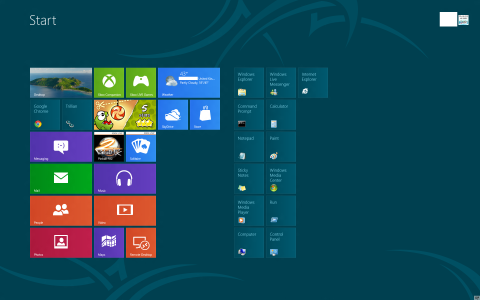
I dont see why a desktop PC's needs to use this inconvenient tablet interface as a start menu replacement? it just not piratical and doesn't work on a desktop PC. I feel like i'm been encourage not to multi task on a PC, To me anyway everything appears dumbed down so its actually made Windows more complex and impractical to use.

I would explain myself better however its 11:30 and my alarm's set for 6:15am, so its time for some sleep.

I would be interested to know what other people think of it so far. I do plan to give it a fair chance so who knows. As a user of Windows on a desktop PC and not a tablet i feel I get a much better user experience with Windows 7.

Edit - Just went to put my PC to sleep and realised even that's many more mouse clicks to do.. Press the Windows key, click on my user name, get back to the welcome screen, click another menu, then click sleep. (also seen you can hover over the right of the screen and go through a few menus to make it sleep too)

In Windows 7 i could click the start orb and click sleep... click, click done.. simple, effective, happy user.

Few random screenies by me too.

 

Attachments

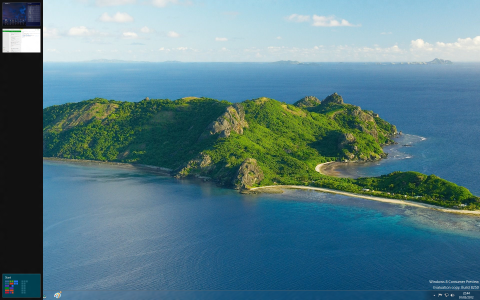
  • Lock Screen.png
    Lock Screen.png
    654.8 KB · Views: 1,126
  • Left multi task button.png
    Left multi task button.png
    4 MB · Views: 1,032
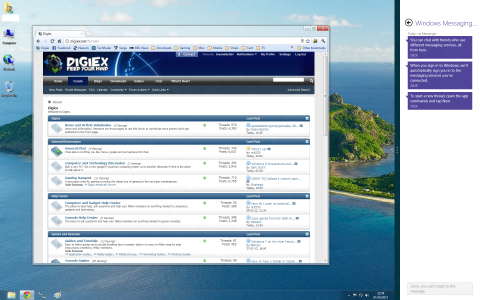
  • Docked Windows.png
    Docked Windows.png
    755.1 KB · Views: 1,063
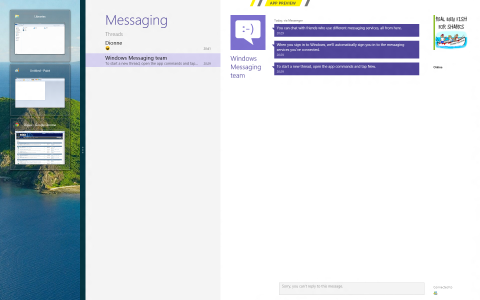
  • Docked App.png
    Docked App.png
    1.5 MB · Views: 1,034
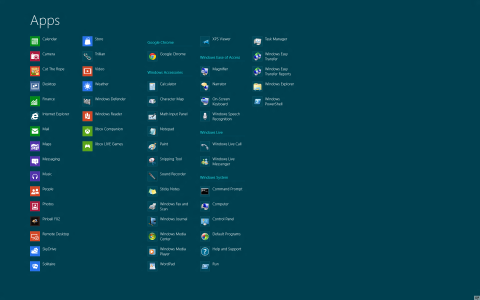
  • All Apps.png
    All Apps.png
    228 KB · Views: 1,063
  • No Xbox Features for the UK.png
    No Xbox Features for the UK.png
    124.6 KB · Views: 1,012
  • Right Menu.png
    Right Menu.png
    3.3 MB · Views: 2,359
  • Settings from right menu.png
    Settings from right menu.png
    2.9 MB · Views: 3,436
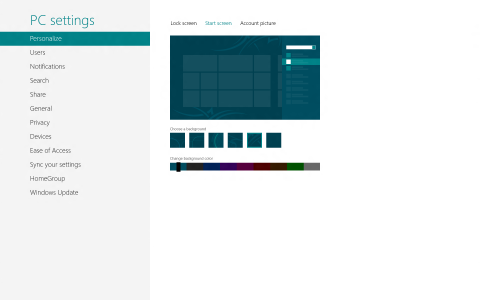
  • Settings.png
    Settings.png
    116.1 KB · Views: 1,514
  • Start Menu.png
    Start Menu.png
    435.9 KB · Views: 1,157
  • Start Screen.png
    Start Screen.png
    136.8 KB · Views: 1,053
It is somewhat confusing, windows 8 feels like it should be on a tablet and was probably built around one. I'm always using alt + f4 to exit out of apps.

The xbox companion is an ok program,they should port it to windows 7 and vista.
 
This really does seem like it should be more for handhelds or people who mainly use touchscreens on their PC. It's quite annoying to navigate compared to Windows 7. They need to quit being so obsessed with everything Metro, it's not nearly as great as they think it is.
 
You probably need to sign in to Windows with an American Microsoft Account (Hotmail)

If it doesn't work then it means its doing it based on your IP address so you would need a VPN to get around that.
 

About Digiex

Digiex is a technology and gaming forum, founded in 2004 by InsaneNutter and Nimrod. Digiex has served the internet community with breaking news, detailed guides, exclusive downloads and a popular discussion forum. A small, friendly community of like‑minded people has developed over the years. People are encouraged to register and participate in on‑going discussions.

Get Social

Back
Top Bottom