Has there been an update to the YouTube app since Sunday morning? I tried it then and had no luck getting it to work. I'll have to try again tonight.
Also i presume you can watch all the stuff from 4od on there too? if so that gives you a lot of UK TV content that can now be watched on the 360, even though i believe apps are on the way for that anyway.
Personally i don't see myself using it that much as i usually watch any long YouTube videos on Xbmc.
There is an issue with the Youtube App.
I was having issues where it would corrupt itself, this is Microsoft's doing. It's doing the exact same thing that Mass Effect 3 is doing.
To fix this problem:
1. Download the app. Once it's finished you need to sign out of your account before
Xbox LIVE instructs your Xbox to believe it's corrupt.
2.Launch the application offline and it will bring you to a sign in screen then sign in (:
3. From my experience, after binding my Youtube account with my Xbox and watching a few videos. It gives you permanent access so it won't corrupt itself anymore. (I don't know if it's necessary)
Here is the official youtube tutorial.
[h=2]YouTube on XBox 360[/h]
[h=3]Watching Videos[/h] You have the option to fast forward, rewind and stop playing videos. Press A or move the D-pad left/right to display the playback tiles while the video is playing.
Fast forwarding a video
- Select Fast Forward. Press A multiple times to increase the speed multiplier (2x, 4x, 8x...).
- To stop fast forwarding and resume playback, select Play.
Rewinding a video
- Select Rewind. Press A multiple times to increase the speed multiplier (2x, 4x, 8x...).
- To stop rewinding and resume playback, select Play.
If you are signed into your Xbox LIVE Gold Membership account, additional features can be accessed by selecting
More Actions.
- Finding related videos
- Turning on captions
- Adding the video to the Watch Later playlist
- Liking/Disliking the video
- Flagging the video
- Info Pane
Press B at any time to hide the playback tiles.
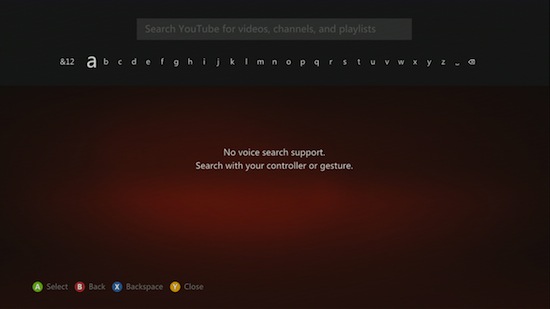
[h=3]Searching videos[/h] On YouTube’s main menu, Press Y to search for videos.
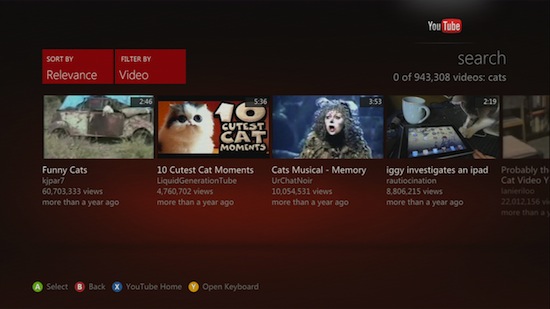
As you enter in your search terms, videos related to your search will automatically appear. Your search terms may auto-complete as you enter them in.
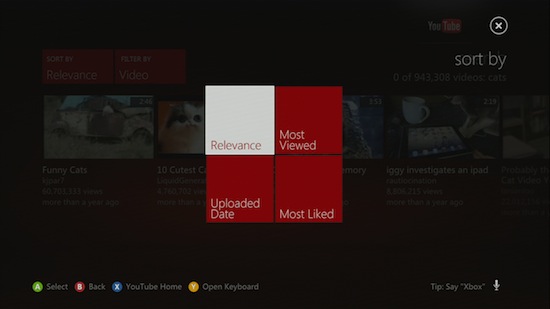
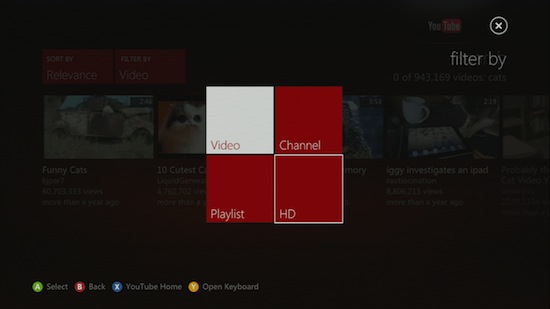
- On the D-pad or left stick, press down to browse through the listed videos. Your search can be refined by selecting either Sort By and Filter By.
- If you’d like to modify your search terms, press up on the D-pad/left stick to return back to the Search screen.
You can sort your search results by:
- Relevance
- Most Viewed
- Uploaded Date
- Most Liked
You can also filter your search results by:
- Video
- Channel
- Playlist
- HD
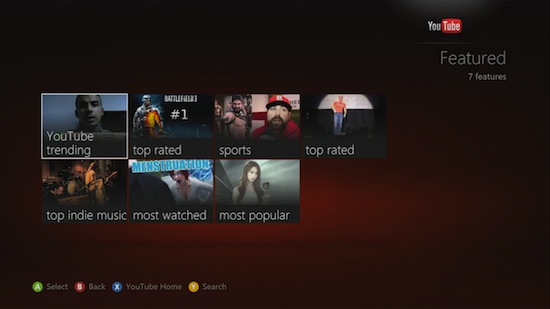
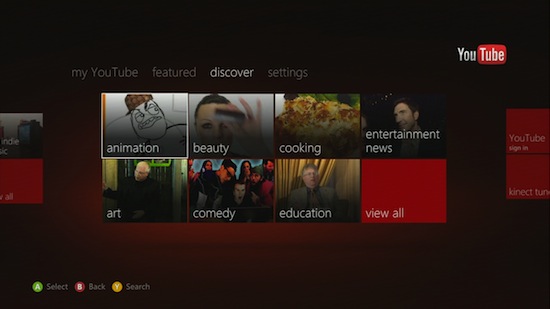
[h=3]Discovering new videos[/h] You can find new videos by navigating to the
Featured or
Discover screens.
On the
Featured screen, select
View All to view YouTube’s currently featured videos.
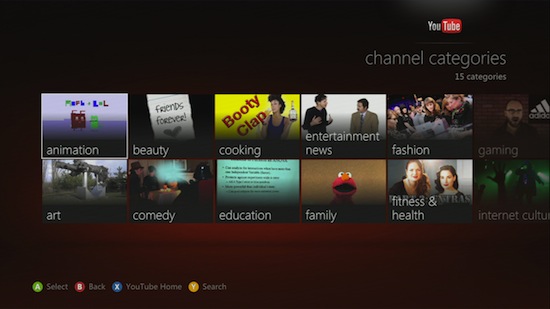
On the
Discover screen, select
View All to browse through different channels.



 /FONT]