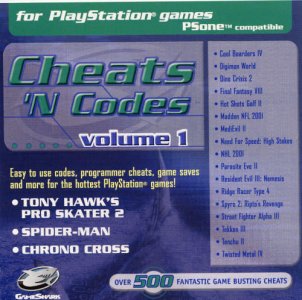
Yes its possible, get a gameshark / action replay and do the swap trick.
Some guy had made a video guide of him doing it here:
[video=youtube;2FzmTxatNb4]https://www.youtube.com/watch?v=2FzmTxatNb4[/video]
1) First make something to hold the open tray button down (its in the top right of ps1 underneath the lid) bluetack should work ok.
2) Get ImgBurn and dump / burn your PS1 games to a CDR.
3) Find a PS1 gameshark / action replay and run it. At the main menu, you can selct if you want codes or not but a memory card is required, take out the gameshark disc and put in your backup disc.
4) Lastly select to start the game and press X

You can also do the swap trick without the gameshark / action reply its just a bit more tricky
1. When you open the tray of the PSX in the upper right corner there's a small piece of plastic that goes into a small hole. When you close the tray the little piece of plastic will go into the hole pressing down a small switch.
2. Place a piece of bluetack ontop of the small piece of plastic so that when you open the tray the switch stays down cheating the PSX to think the tray is still closed.
3. Insert an original PSX dics and switch on the PSX.
4. Now this requires some timing: wait untill the region code is loaded into the PSX (during the splash screen) and quickly open the tray and insert your back-up.
5. Close the tray and hope it worked! Sometimes you need to tray several times to make it work...
Alternatively get
epsxe and play the Playstation games on your PC
I’ve never owned a PS1 so I can’t really help anymore with this, I’ve seen it done many times through.