InsaneNutter
Resident Nutter
You will need some way of connecting either your 360’s Hard Drive or Memory card to the PC, you cannot burn this to a CD and copy it to your 360.
Once you have either a hard drive or memory card connected to the PC load Xplorer 360 up and click Drive > Open > Hard drive or memory card.
If you are using a memory card open Partition 1, If you are using a 360 hard drive open Partition 3
Unzip the theme, and copy to Content\0000000000000000\FFFE07D1\00030000 on the Xbox 360 hard drive.
Now just sign your profile in, go to the my xbox section, click your gamertag, click change theme and enjoy!
Download: Digiex Theme By InsaneNutter



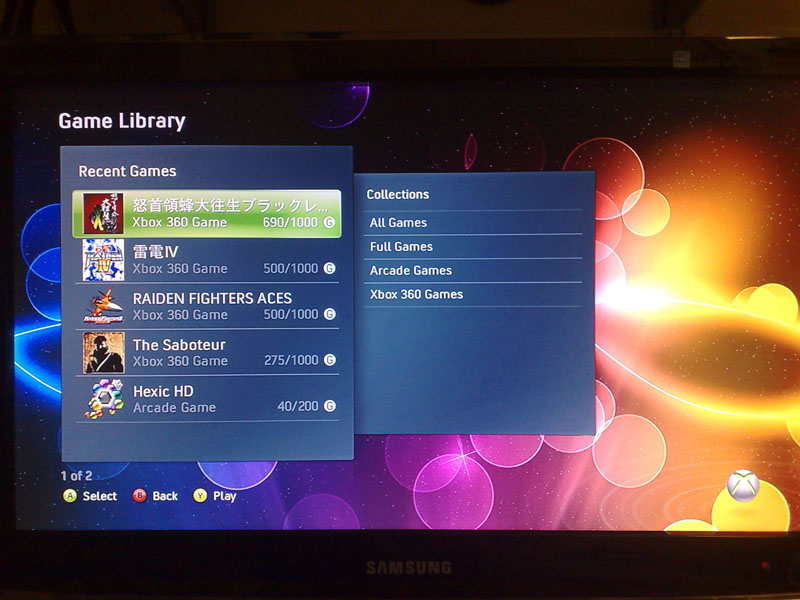
 This opens new possibilities of 360 premuim themes customated...