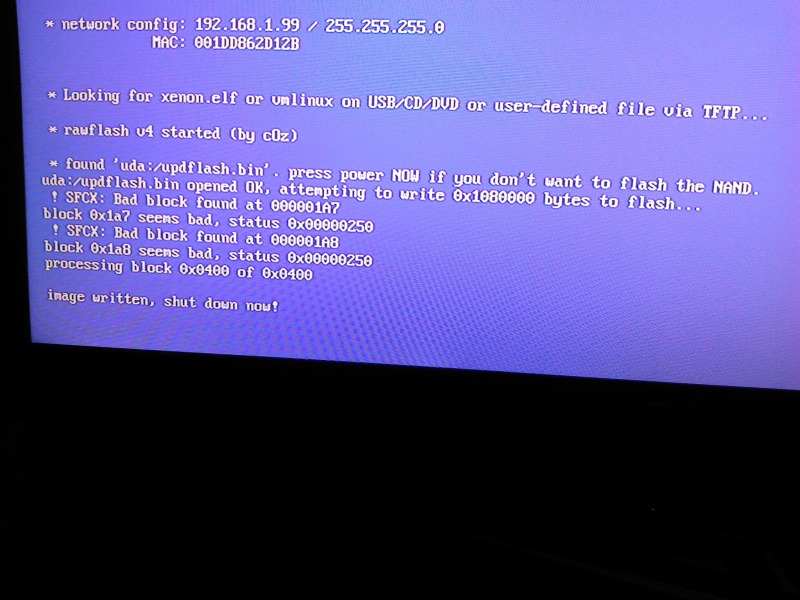
Power the console on with the eject button, Xell should load. Ensure the network cable it connected, then you should see an ip address in the network config:
Using your web browser on your PC go to http://192.168.1.99 or what ever your consoles ip address is, you should be able to download your "raw flash" from the console.
Do that and use it as your source nand to build a new image, after that has done follow the "RGH Xbox 360 Nand Flashing" and flash the nand to the console using Xell as show on the first page of my tutorial here.