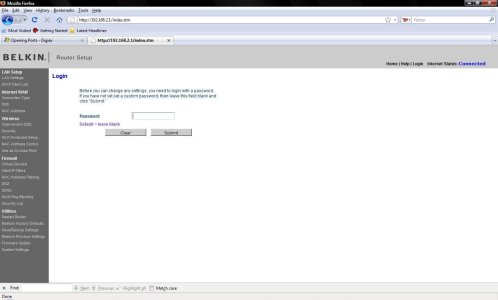
Well you need to access your router. Your router can be accessed if it is a Linksys by typing 192.168.1.1 into your web broswer. Even if you do have a Linksys router if will not look like this picture. As I've flashed my Linksys router to DD-WRT Firmware.
1.) Access router (If Linksys 192.168.1.1)
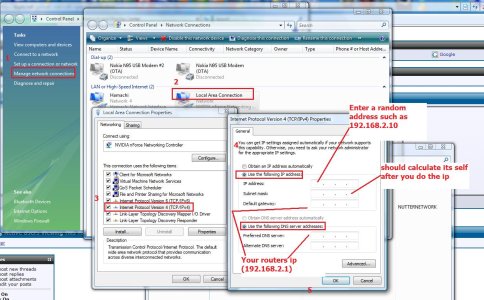
If not linksys you need to find what the default gateway is. Use this picture.
2.) Look for a NAT/QoS or gaming section
3.) Look for Port Fowarding
4.) Like in the picture below type a name for the port
5.) Type the port into the from box
6.) set protocol to Both
7.) Type in the IP address you want to foward that port to user IP Address. should be somthing like the picture below
8.) Type the port into the to box
9.) hit enable, save, apply!
You can also DMZ. This i do believe will open all ports to a set IP address. Also highlighted
These steps should be pretty much the same for your Belkin router.