Windows 7 hits Milestone 3

InsaneNutter

Resident Nutter
Joined
Jun 1, 2007
Messages
11,874
Location
UK
I have seen the future — specifically Windows 7 Milestone 3 (Build 6780).

I got a gander at the latest test build of Windows 7 briefly (courtesy of a source of mine) and was not allowed to take any screenshots. But it is real, it does exist and it is, indeed, in certain testers’ hands inside and outside the company.

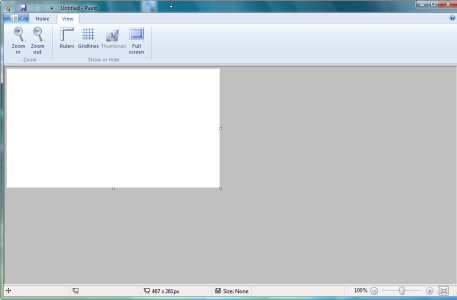
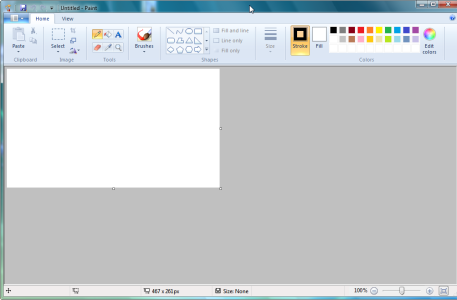
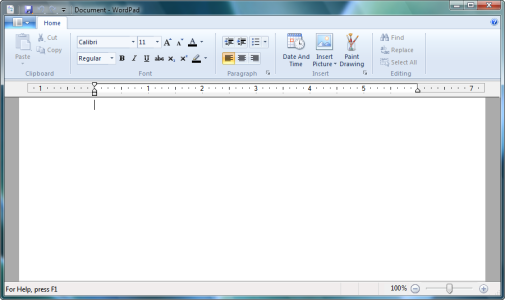
From the quick glimpse I got of Milestone 3, it sounds like Bryant of AeroXperience was right on the money with his hypotheses about what’s changed in the latest internal test builds. The latest build seems quite stable. The Ribbon user interface from Office 2007 is now part of WordPad and Paint. Home Groups — the functionality formerly known in “Longhorn”/Vista as “Castle” — is part of the new Windows 7 build.

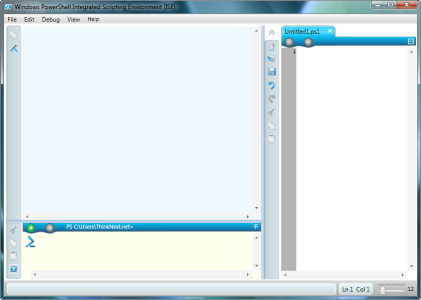
I also noticed that the “Graphical Console,” a k a PowerShell Version 2, seems to be part of the latest pre-release Windows 7 build.

(Looks like Stephen Chapman over at the UX Evangelist site got to see Build 6780, too, and has a lot more to say on Windows 7’s Paint and WordPad.)

From what admittedly little I had a chance to see, Windows 7 does not look or feel like a major departure from Windows Vista.

Sources say there isn’t an “M4″ currently on Microsoft’s Windows 7 schedule. Next up is likely some kind of preview build (which may or may not be distributed to those attending the Professional Developers Conference and/or Windows Hardware Engineering Conference in October and November, respectively.) After that, a broadscale Beta 1, which should be feature-complete and pretty much set in stone, is expected for mid-December.

Like my ZDNet blogging colleague Ed Bott said, it’s not impossible for Microsoft to hit a 2009 release for Windows 7 if the first true beta doesn’t go out until December. Such a move would not be unprecedented.

Do you think the Softies are going to get Windows 7 out the door in 2009, as they are hoping — and maybe even early enough to make it onto new machines in time for Holiday 2009 sales?

Source

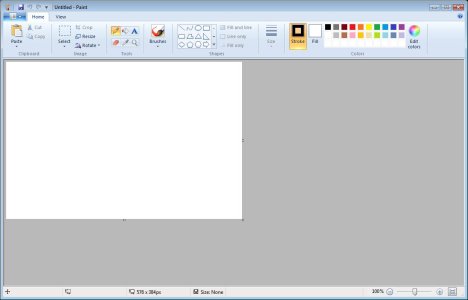
Although no screenshots are provided at the original source I managed to get a screenshot of how paint currently looks in milestone 3, the watermark has also removed for your viewing pleasure ;)

I think it will be nice if more applications use the ribbon interface, it makes things look a lot more neater and is an improvement over the 13/14 year old interface of most standard Windows Applications.
 

Attachments

  • Paint.jpg
    Paint.jpg
    56.5 KB · Views: 4,441
Great news, Paint looks completely different! I hope they change everything...as vista is cool but if it looks the same why not call it vista 1 or something. I hope there will be a beta soon or a leaked working version. :D
 
Windows 7 will be the successor to Vista, just as Vista was the successor to XP.
It name will change later on, Windows 7 is just a code name.
 
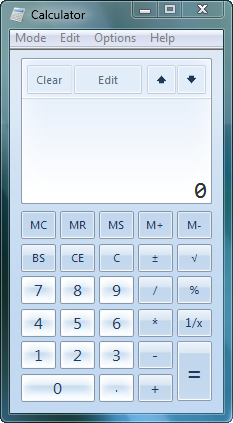
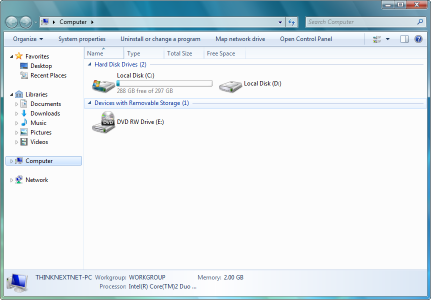
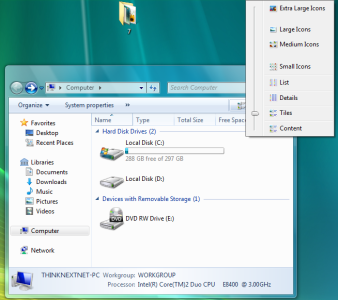
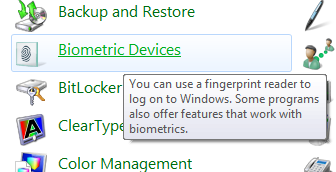
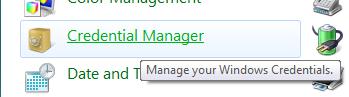
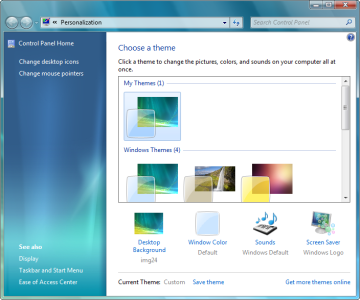
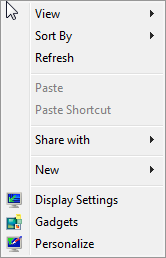
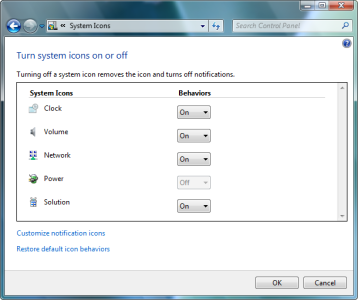
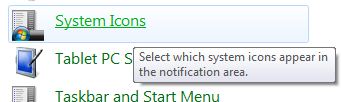
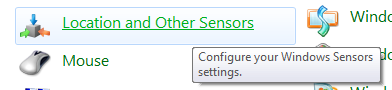
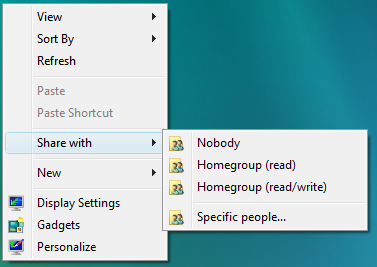
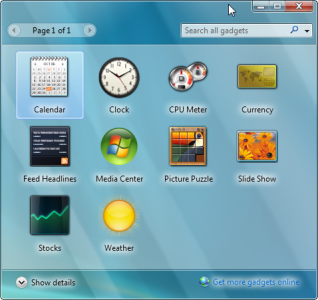
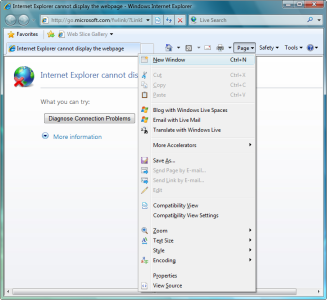
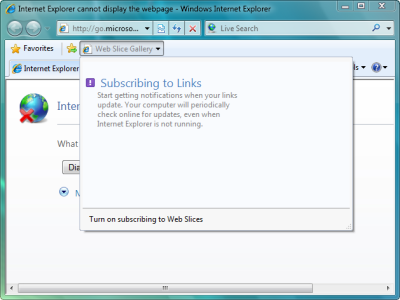
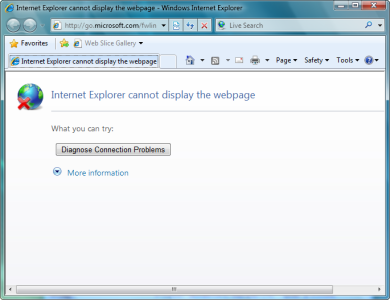
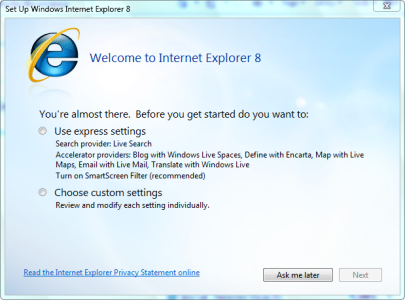
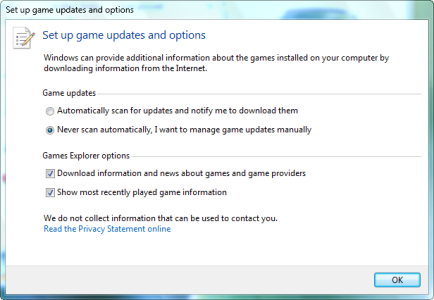
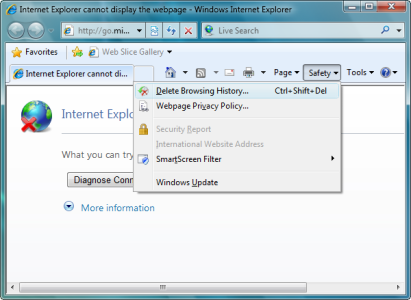
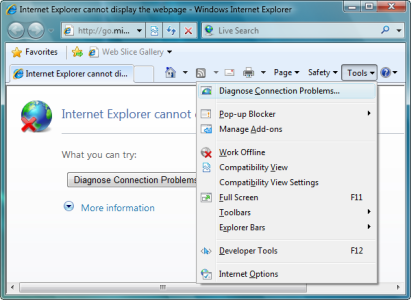
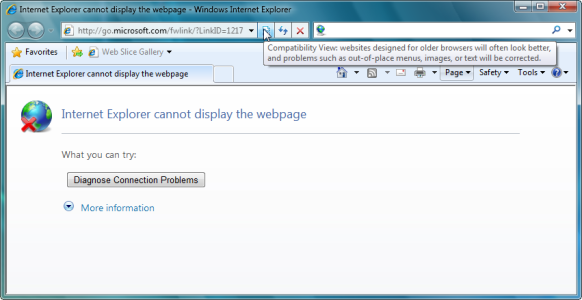
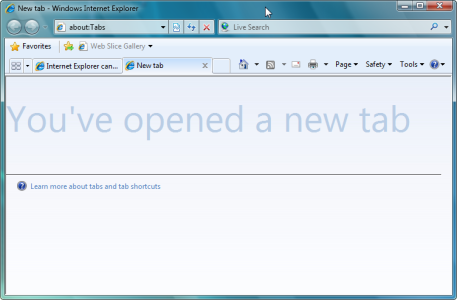
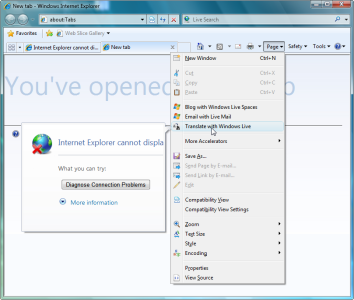
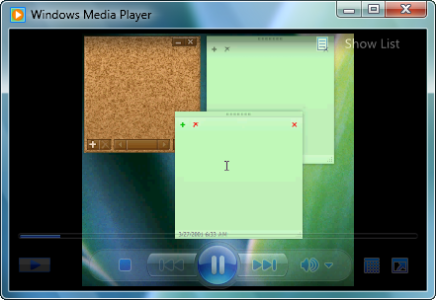
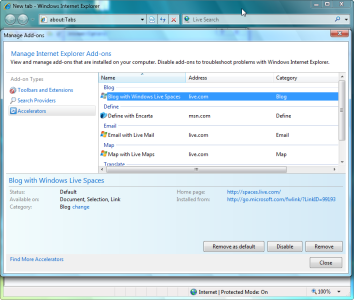
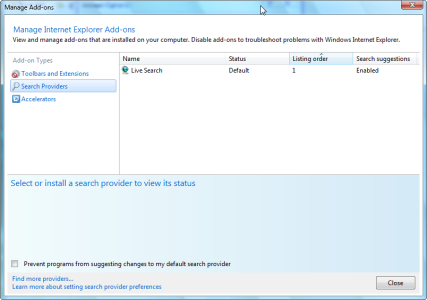
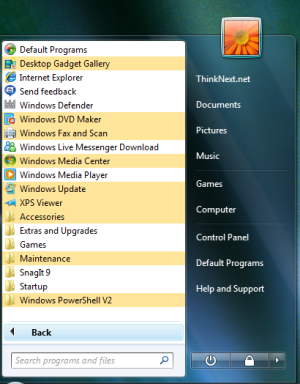
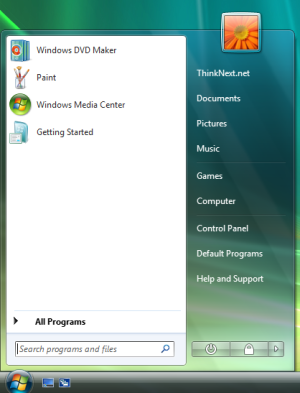
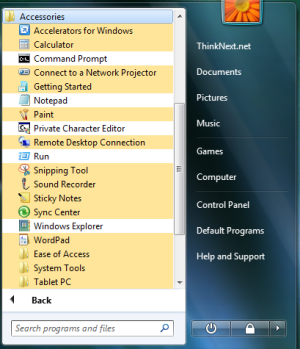
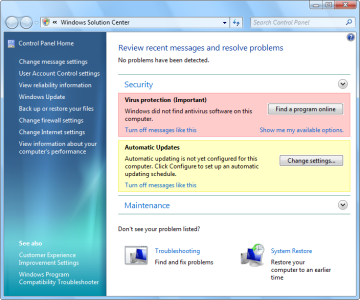
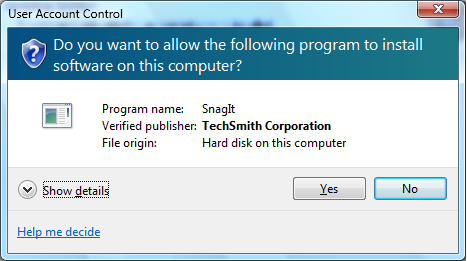
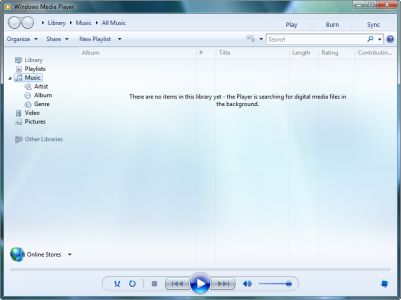
I done ALOT of searching, i was able to locate a few more pictures Insane. I found them on a china site. I couldn't read it, though I did understand the pictures. As I clicked on almost every link just to be sure that there wasn't a download link and well there wasn't. :( Hopefully there will be soon. As I'm sure Digiex will be one of the first sites to host that file. I hope everyone enjoys the pictures :)
 

Attachments

  • calculator.png
    calculator.png
    29.6 KB · Views: 1,391
  • computer.png
    computer.png
    95.3 KB · Views: 1,485
  • Computer-menu1.png
    Computer-menu1.png
    154.2 KB · Views: 1,768
  • cp-bio.png
    cp-bio.png
    23.4 KB · Views: 1,368
  • cp-cre.png
    cp-cre.png
    14 KB · Views: 1,133
  • desktop-personlize.png
    desktop-personlize.png
    188.2 KB · Views: 1,368
  • desktop-context-menu.png
    desktop-context-menu.png
    6.2 KB · Views: 1,289
  • cp-sysicon-window.png
    cp-sysicon-window.png
    59.8 KB · Views: 1,346
  • cp-sysicon.png
    cp-sysicon.png
    10.1 KB · Views: 1,221
  • cp-loc.png
    cp-loc.png
    11.6 KB · Views: 1,124
  • desktop-sharewith.png
    desktop-sharewith.png
    39.3 KB · Views: 1,404
  • displaysettings.png
    displaysettings.png
    68.4 KB · Views: 4,049
  • displaysettings-2.png
    displaysettings-2.png
    72.3 KB · Views: 1,426
  • displaysettings-3.png
    displaysettings-3.png
    70.6 KB · Views: 966
  • gadget.png
    gadget.png
    175.7 KB · Views: 1,449
  • ie8-4-page.png
    ie8-4-page.png
    100.8 KB · Views: 1,365
  • ie8-3-webslice.png
    ie8-3-webslice.png
    70.3 KB · Views: 1,404
  • ie8-2-error-message.png
    ie8-2-error-message.png
    75.4 KB · Views: 2,240
  • ie8-1.png
    ie8-1.png
    144.7 KB · Views: 1,416
  • game-update.png
    game-update.png
    41 KB · Views: 1,266
  • ie8-5-safety.png
    ie8-5-safety.png
    74.4 KB · Views: 1,240
  • ie8-6-tools.png
    ie8-6-tools.png
    78.6 KB · Views: 1,345
  • ie8-7-comp.png
    ie8-7-comp.png
    78.7 KB · Views: 1,322
  • ie8-8-newtab.png
    ie8-8-newtab.png
    69.2 KB · Views: 1,332
  • ie8-9-translate.png
    ie8-9-translate.png
    108.7 KB · Views: 1,379
  • paint-2.png
    paint-2.png
    54.1 KB · Views: 1,372
  • paint.png
    paint.png
    68 KB · Views: 1,912
  • light-wmping.png
    light-wmping.png
    99 KB · Views: 1,347
  • ie8-11-accoptions.png
    ie8-11-accoptions.png
    116.8 KB · Views: 1,108
  • ie8-10-searchoptions.png
    ie8-10-searchoptions.png
    51.5 KB · Views: 1,244
  • start-programs.png
    start-programs.png
    131.9 KB · Views: 1,323
  • start-menu.png
    start-menu.png
    103.4 KB · Views: 1,493
  • start-accessories.png
    start-accessories.png
    99.4 KB · Views: 1,439
  • solution-center.png
    solution-center.png
    154.9 KB · Views: 1,497
  • powershell.png
    powershell.png
    63.8 KB · Views: 1,422
  • useraccountcontrol-install.png
    useraccountcontrol-install.png
    42.3 KB · Views: 1,305
  • welcome.png
    welcome.png
    177.5 KB · Views: 2,136
  • wmp.png
    wmp.png
    210.8 KB · Views: 1,356
  • wordpad.png
    wordpad.png
    67.8 KB · Views: 1,429
Nice find there King, defiantly not seen a lot of these shots before.
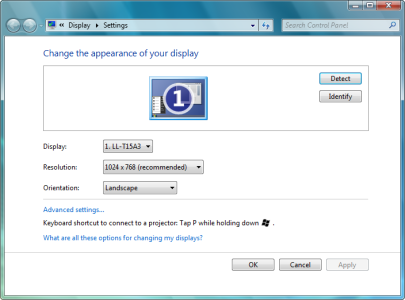
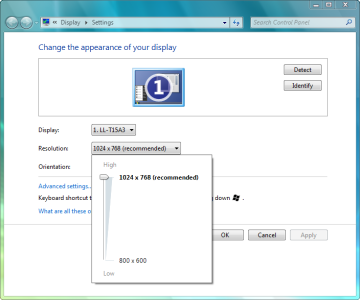
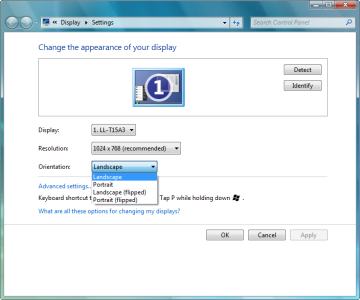
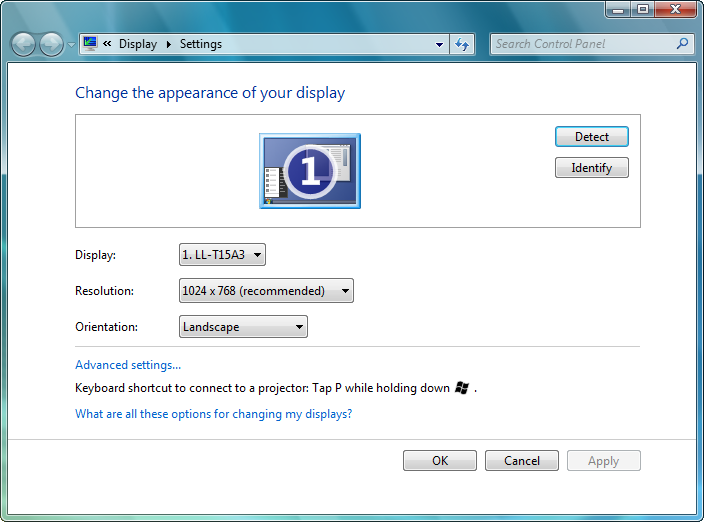
Its good to know the old Windows 95 menus such as the ones to change screen resolutions are been updated in Windows 7.
505d1221903269-windows-7-hits-milestone-3-displaysettings.png


That was one of the little complaints I had about Vista, new stuff like Window colour and appearance integrated with the Personalization options however old stuff like Screen Savers and Display Settings didn’t.
 
I just located these...

[ame="https://www.youtube.com/watch?v=nkeWFSkRVGQ"]YouTube - Windows 7 Start Menu[/ame]

[ame="https://www.youtube.com/watch?v=ubxErqnQ5R8"]YouTube - Windows 7: Calculator[/ame]
 
Last edited:

About Digiex

Digiex is a technology and gaming forum, founded in 2004 by InsaneNutter and Nimrod. Digiex has served the internet community with breaking news, detailed guides, exclusive downloads and a popular discussion forum. A small, friendly community of like‑minded people has developed over the years. People are encouraged to register and participate in on‑going discussions.

Get Social

Back
Top Bottom