


InsaneNutter
Resident Nutter
You will need some way of connecting either your 360’s Hard Drive or Memory card to the PC, you cannot burn this to a CD and copy it to your 360.
Once you have either a hard drive or memory card connected to the PC load Xplorer 360 up and click Drive > Open > Hard drive or memory card.
If you are using a memory card open Partition 1, If you are using a 360 hard drive open Partition 3
Unzip the theme, and copy the theme file to Content\0000000000000000\FFFE07D1\00030000
The end result should look something like this:
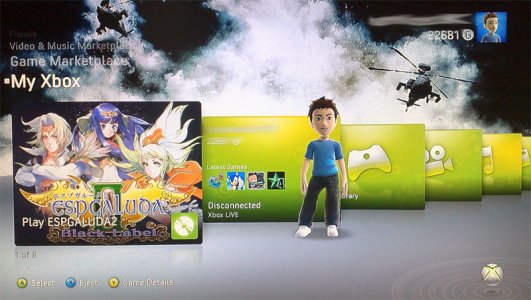
Now just sign your profile in, go to the my xbox section, click your gamertag, click change theme and enjoy!
Battlefield Bad Company 2 Premium Theme Download


 i try it out soon





