


RGHdemon
Active Member
Features
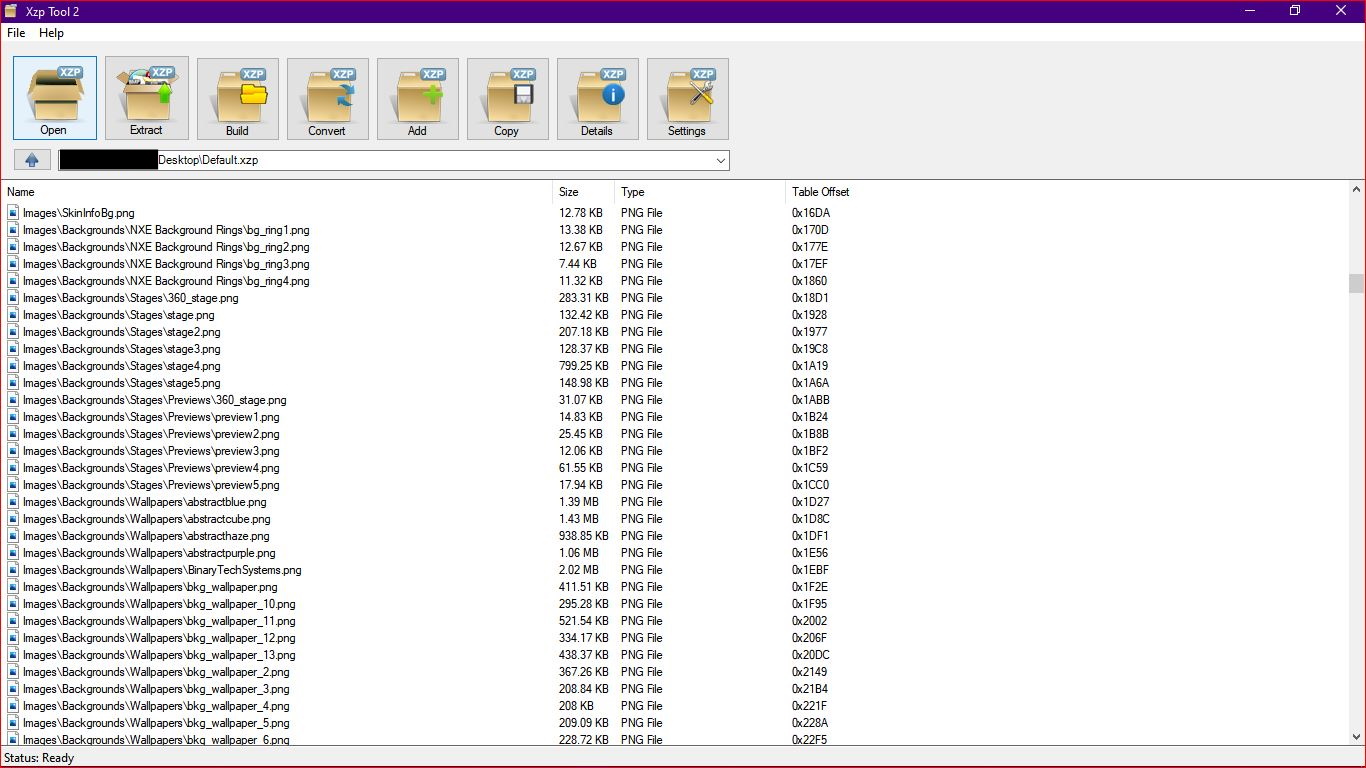
- Browse into xzp files and view contents
- Double click a file to run/view it
- Drag and drop to desktop/folders to extract files
- Drop an xzp to open
- Drop Files when an xzp is open to add
- Add/Extract/Build/Convert/Copy
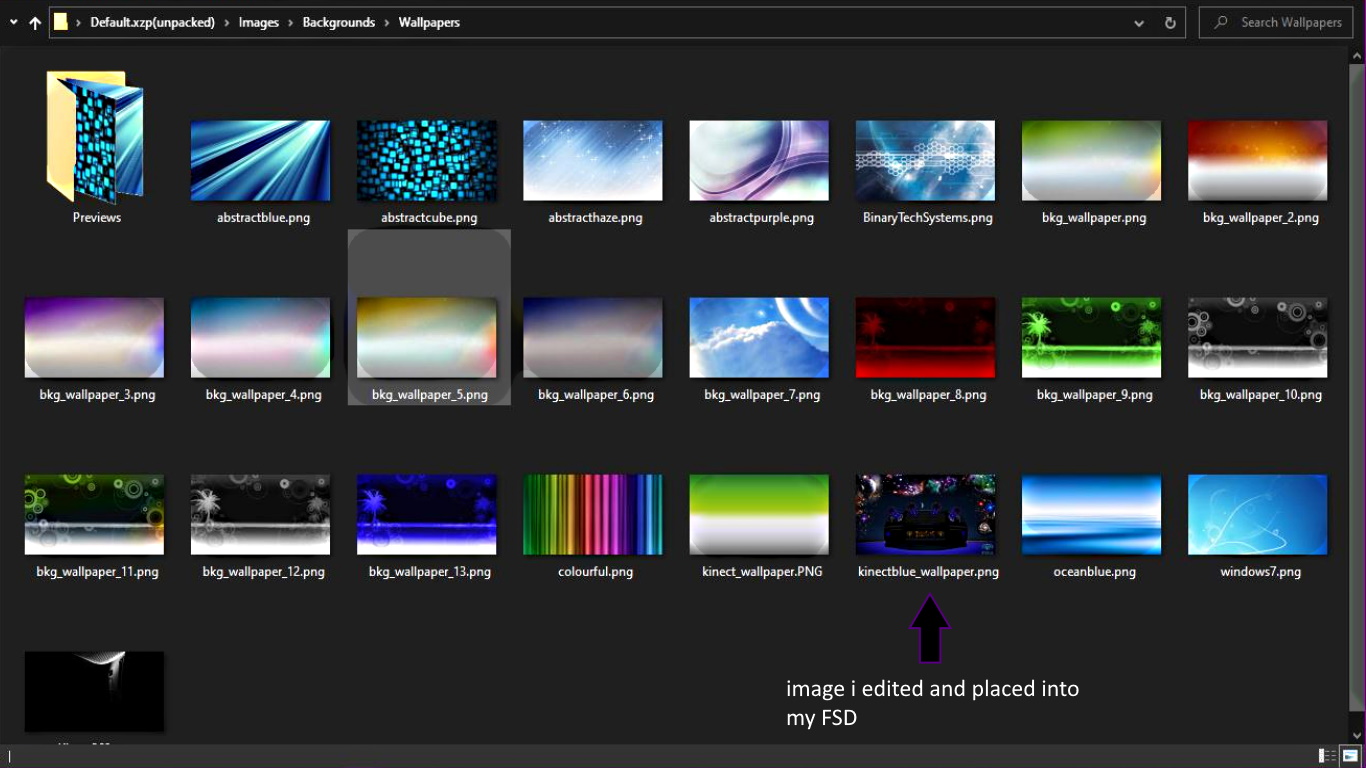
This tool allows you to edit your Free Style Dash among other stuff. To begin editing FSD you will need to open FSD, open the skins folder and copy the default.xzp file to a USB (or FTP, neighborhood it to your desktop. or how ever you want to get the file) then run the tool to open the file and extract it. Once its extracted you will be able to use any image editor to create your own icons, folders, backgrounds etc....
- Browse into xzp files and view contents
- Double click a file to run/view it
- Drag and drop to desktop/folders to extract files
- Drop an xzp to open
- Drop Files when an xzp is open to add
- Add/Extract/Build/Convert/Copy
This tool allows you to edit your Free Style Dash among other stuff. To begin editing FSD you will need to open FSD, open the skins folder and copy the default.xzp file to a USB (or FTP, neighborhood it to your desktop. or how ever you want to get the file) then run the tool to open the file and extract it. Once its extracted you will be able to use any image editor to create your own icons, folders, backgrounds etc....





