Alright, I did what you said and its a no go..
I took pictures with my camera while I was doing this so I can make it easier.
So Heres what I did.
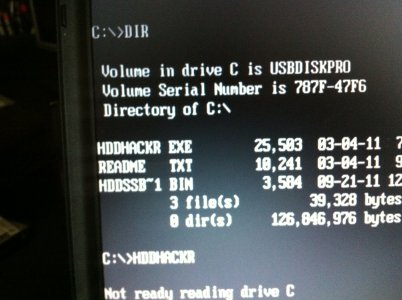
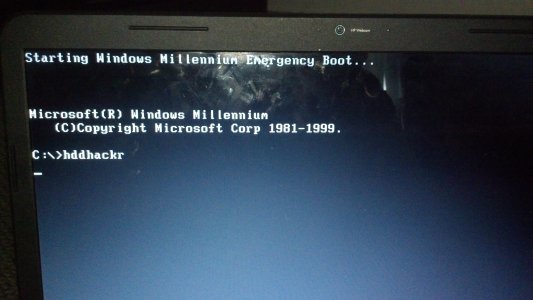
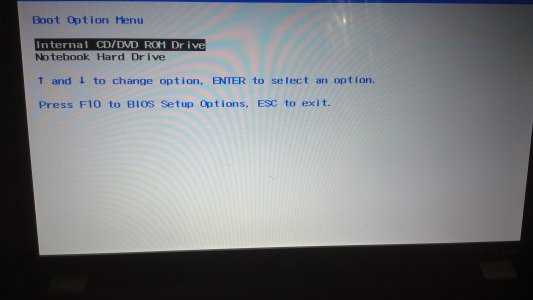
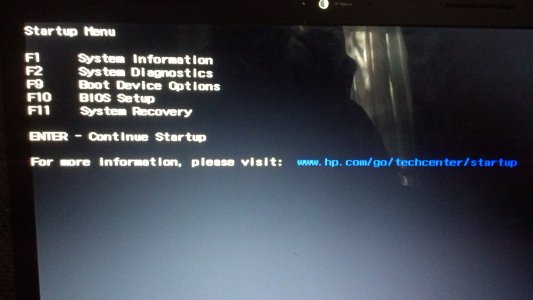
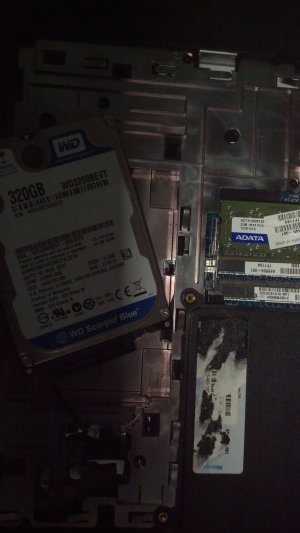
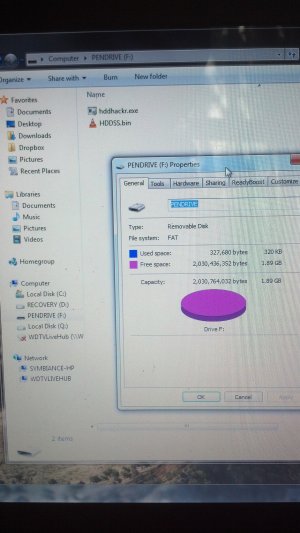
I took a 2 gb flash drive, Using the USB bootable software I made the file format FAT and selected bootable from DOS. I took shut off my laptop, took out the battery and replaced the hard drive with the one i was going to use on my xbox 360 slim. I then pressed Esc key on boot up and it brought me to a menu about system information, system diagnostic, boot options, BIOS, and system recovery. I pressed Boot Options and it asked me what i wanted to boot from, I pressed CD/DVD as the flash drive never came up. I typed hddhackr when the windows mellenium emergency mode came up. nothing happened. so i tried it from booting from the new hard drive, same thing nothing happened.
check your BIOS of the laptop to see what it boots it in "RAID " "AHCI" "IDE" if its auto that would be fine, if it enforces on of them you will probably have to change it to IDE.
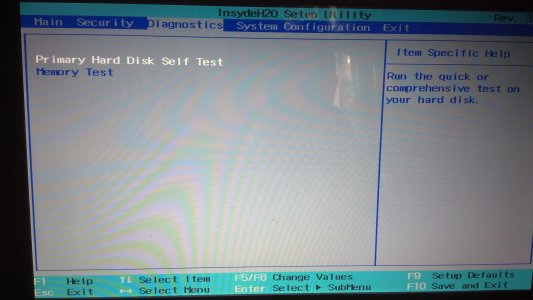
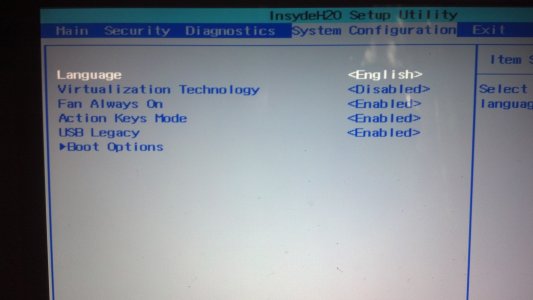
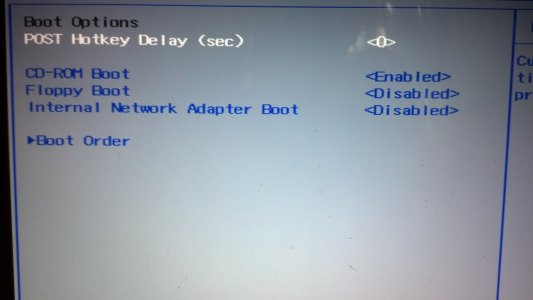
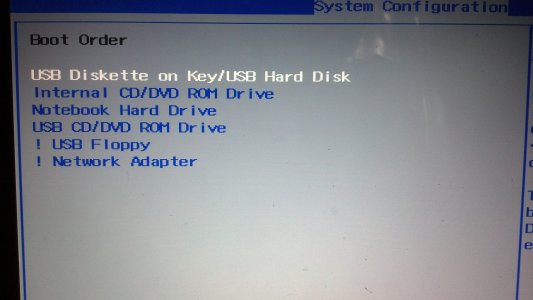
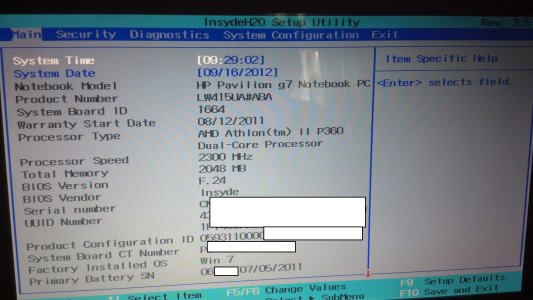
I then restarted the computer, I pressed esc key on start up again. I clicked BIOS now. InsydeH20 Setup Utility came up (I took pictures of all the pages I thought was relevent). I believe this is BIOS, I cant find anything else about it. I can't find anywhere on there about RAID, AHCI, or IDE.
EDIT:
I did some research, The menu i went into "Insydeh20" is the BIOS for my system. I guess it does not have the feature to change from SATA to IDE or to change RAID, AHCI, or IDE. If this is the problem, I would have to figure out how to replace this BIOS with one that has this feature.


 320GB WD3200BEVT hacked with a samsung laptop so, @Rick i did some reasearch and that might be the problem why hddhacker is 99% supported because of the AHCI is usually set to auto in bios on a lot on manufacturer laptops and gotta change it to manual and disable AHCI that how mine booted right away