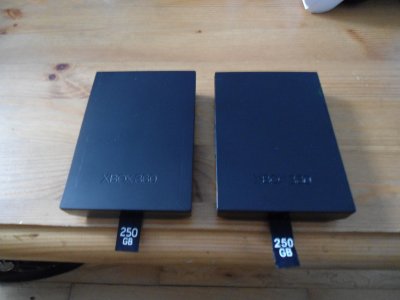
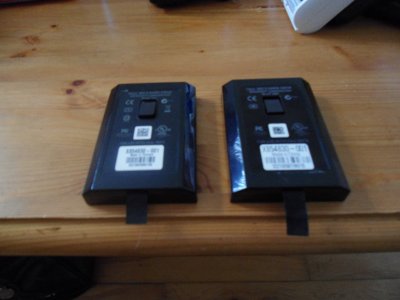
I just want to say thanks for the tutorial. I read the first couple pages of comments but not all 30 something so I apologize if I repeat anything.
I recently followed it and hacked a 320gb Scorpio black without much issues. I went from a 20gb. Just a few issues, all end user problems, not caused by the instructions. When I was extracting my partition 3 I got an error with xplorer360 and when I went to re-extract it all the files were gone. Luckily I had done a backup image of my drive. To anyone reading, first thing you should do is File/Backup Image. It takes some time but could save you lose of all your stuff. Oh also, when using hddhackr I was not given the option to format the 0/2/3 partition, I had to manually select it after I flashed. Actually I had to re-run hdddhackr and choose it I think.
When restoring the image with xplorer360 I left it running for ages and it never completed so I used WinHex to restore it. Google "Fix / Restore original 20/60/120 GB HDD after Xplorer ruins it". Nothing against Xplorer360, chances are it was user error or a Windows problem not Xplorer360's. I did not do the last part where you have to boot into dos and run mhdd, just the restore but I've not tried my 20gb in my xbox again either.
If the backing up wasn't clear enough for people, user xplorer360 to first, do a backup image, then go to file and do the partition 2 bit and then right click on partition 3 and extract it. Use the same xplorer360 to restore partition 2 to your new drive and use the size specific xplorer360 to drag and drop the folders from your partition 3 backup to your new drive. That is what I did and when I put my hard drive in all was good. My profile autoloaded, all saved and my lone installed game even.
After having a 20gb hard drive for five years or however long it has been, it is nice to have one that I can't store more than one game at a time on.
Thanks once again, I feel all fancy now.