I'm surprised this hasn't been figured out in years... or maybe it has, and it just hasn't been posted publicly. Anyway, I'm leaving it here for future reference. The Berry Glitch Fix menu has always been present on the CDs we've had all along. So I think it's safe to assume that there's no alternative version of the discs, at least in terms of Pokémon content.
Making it show up is pretty simple:
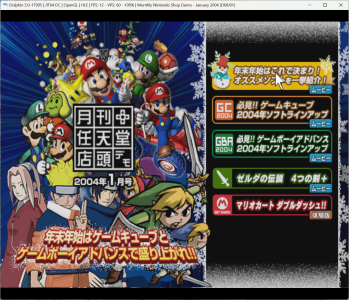
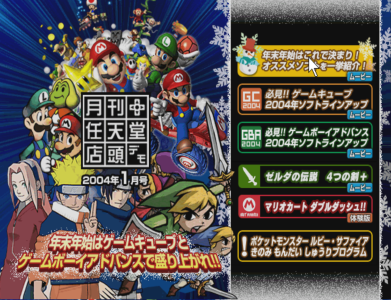
View attachment 18835
tl;dr
Press L+R+Y+START at boot.
Actual explanation
Inside the disc's "local" folder (I used the one from January here) there are two files called
index.html and
index2.html. The one having the Pokémon entry (the last one that you see in the screenshot) is
index2.html. However, the disc automatically loads
index.html, which hasn't it.
At first I renamed
index.html to something else, and
index2.html to
index.html. This successfully triggered the game to boot into
index2.html with the Berry Fix Glitch menu.
Then I analyzed the content of the two files. At line 9 of
index.html you can see the following:
<meta name="BY_PADINPUT" content="L R Y START">
And yeah, that's exactly the button combination that makes the menu show up.







 Anyway I've edited my post to also include this information.





